DitherWorks
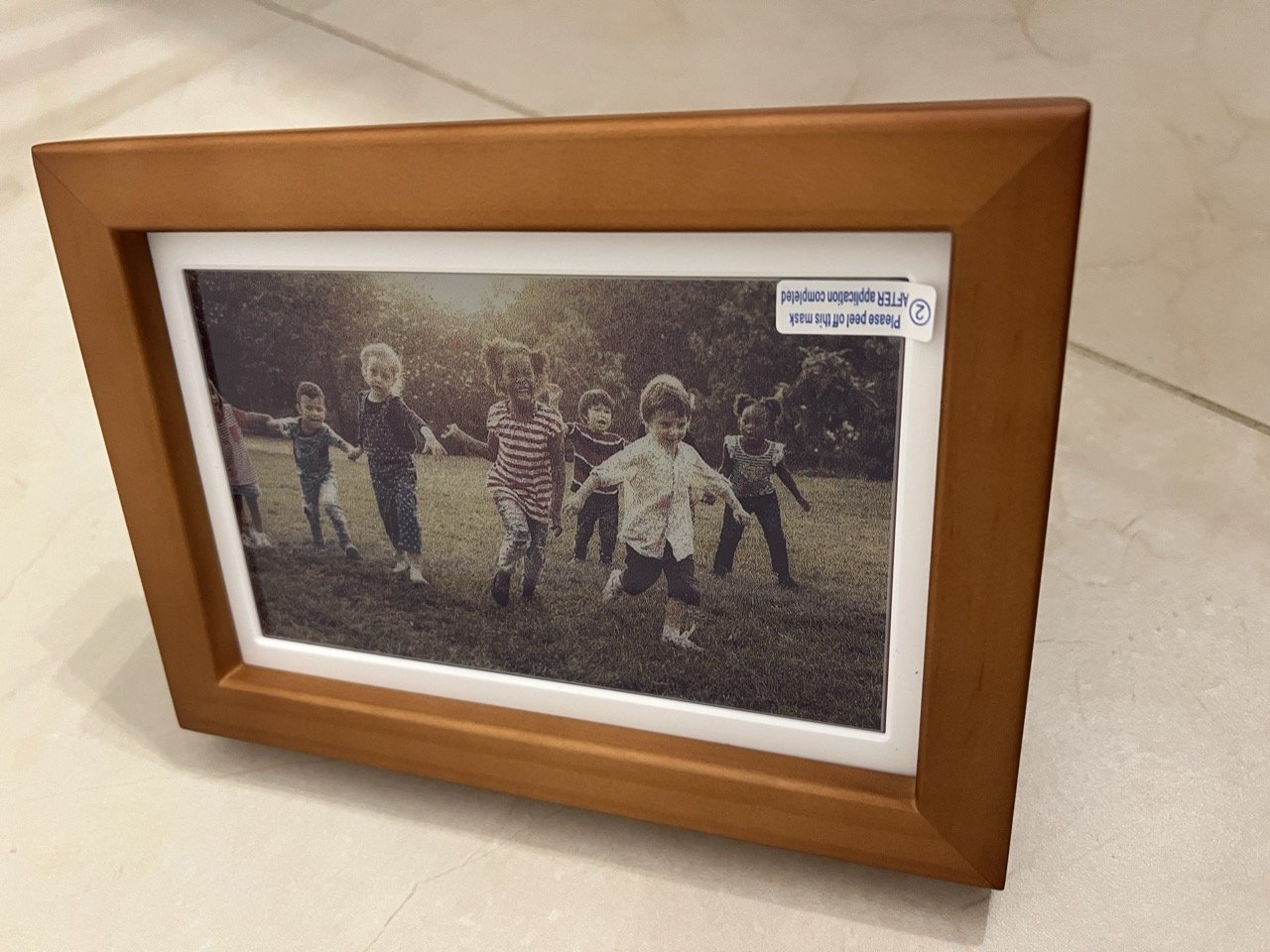
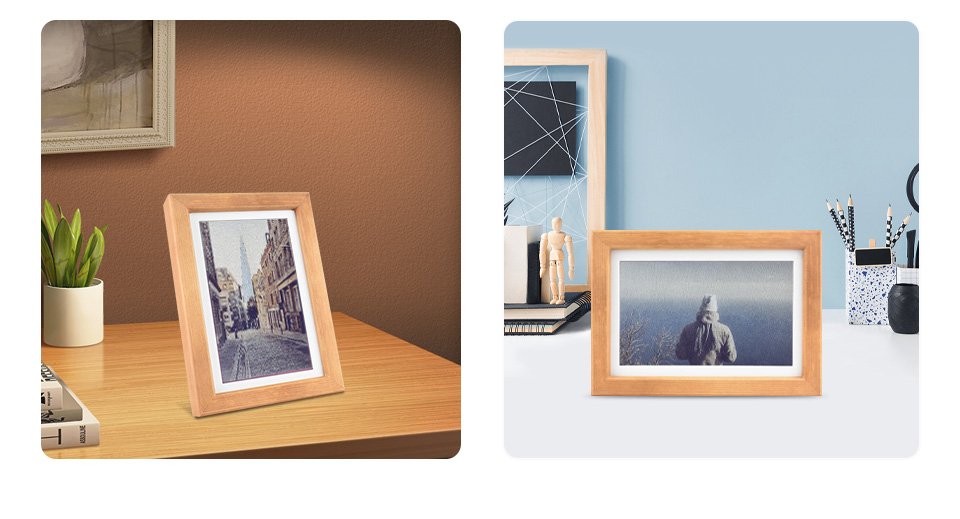
I got my parents a Waveshare PhotoPainter for their anniversary. I wanted the 7-color e-paper digital frame to show photos of the grandkids that rotate every 12hrs and are visible in sheer daylight. Bonus: year-long battery.
Challenge was it needed a specialized image format.
Now, I could use the provided Python script but it didn’t let me crop the images to the 800x480 aspect ratio, didn’t support a bunch of formats like iPhone’s HEIC/HEIF, and I generally wasn’t too happy with running some hacky script.
So I sat down and vibe coded DitherWorks.
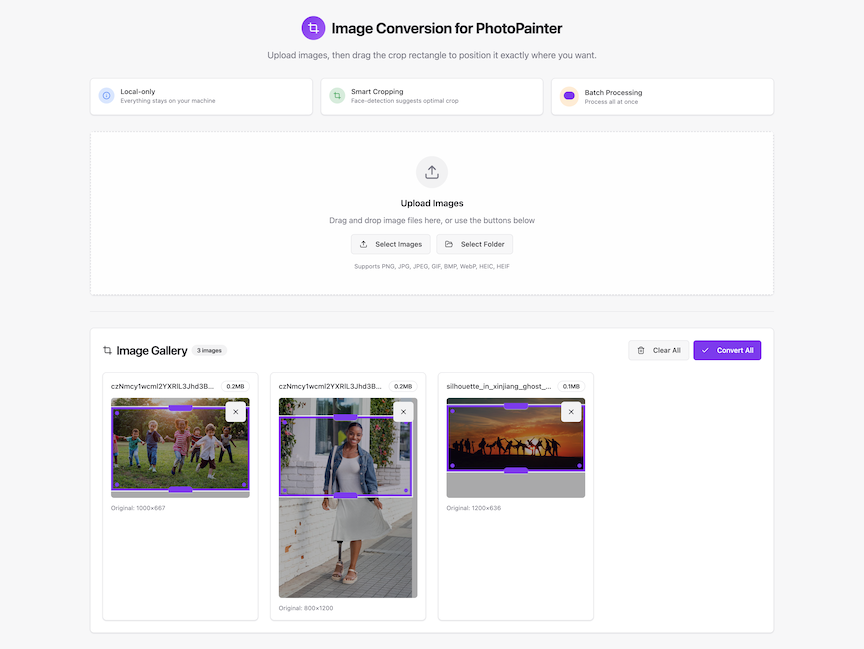
DitherWorks lets you add photos, choose which part of the image you’d want to crop, then convert them using ImageMagick. Everything happens on your device privately and securely. In the next version it will also pre-position the crop rectangle based on detected faces.
Here’s what some random Public Domain photo I found online looked like before conversion, after conversion,


…and loaded on the photo frame (terrible middle-of-the-night lighting).
Building this was quite the experience in letting go, building the initial UI with Lovable, and vibe coding the rest with GPT-5 in Cursor.
I have no idea what the code looks like. My folks loved it.
Hopefully it would be nice and useful for others as well: https://github.com/omervk/ditherworks